 Handy 3D
For iPhone, iPad and Mac
Know before
you print.
Thousands of ready-to-print models, a 3D viewer, a bed-fit check and filament, time and cost estimates. All before you open your slicer.
Download on the App StoreFree to download. No account needed.
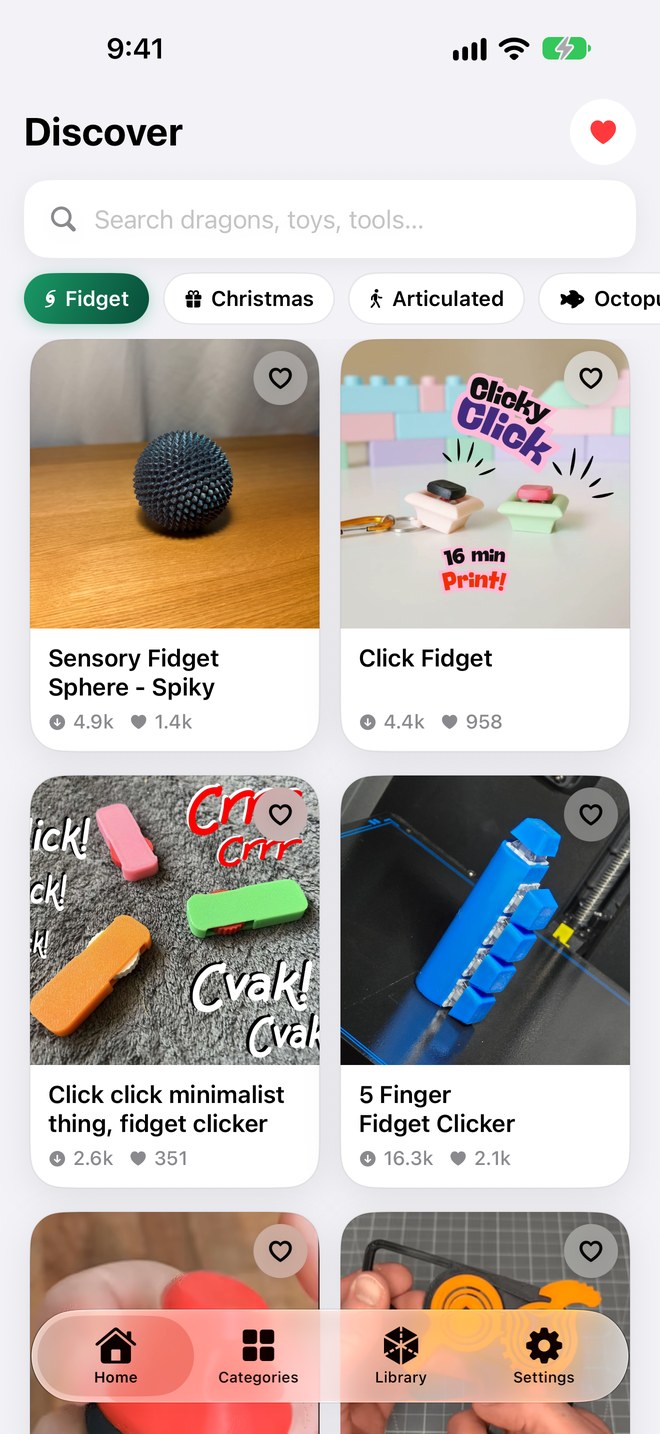
A library sorted by what people print.
Fidgets, flexi and articulated toys, organizers, planters and gifts. Open a model, flip through its photos and download it as a standard STL.
- 115+ categories, plus search
- Save favourites to come back to later
- Hide or report anything you don't want to see
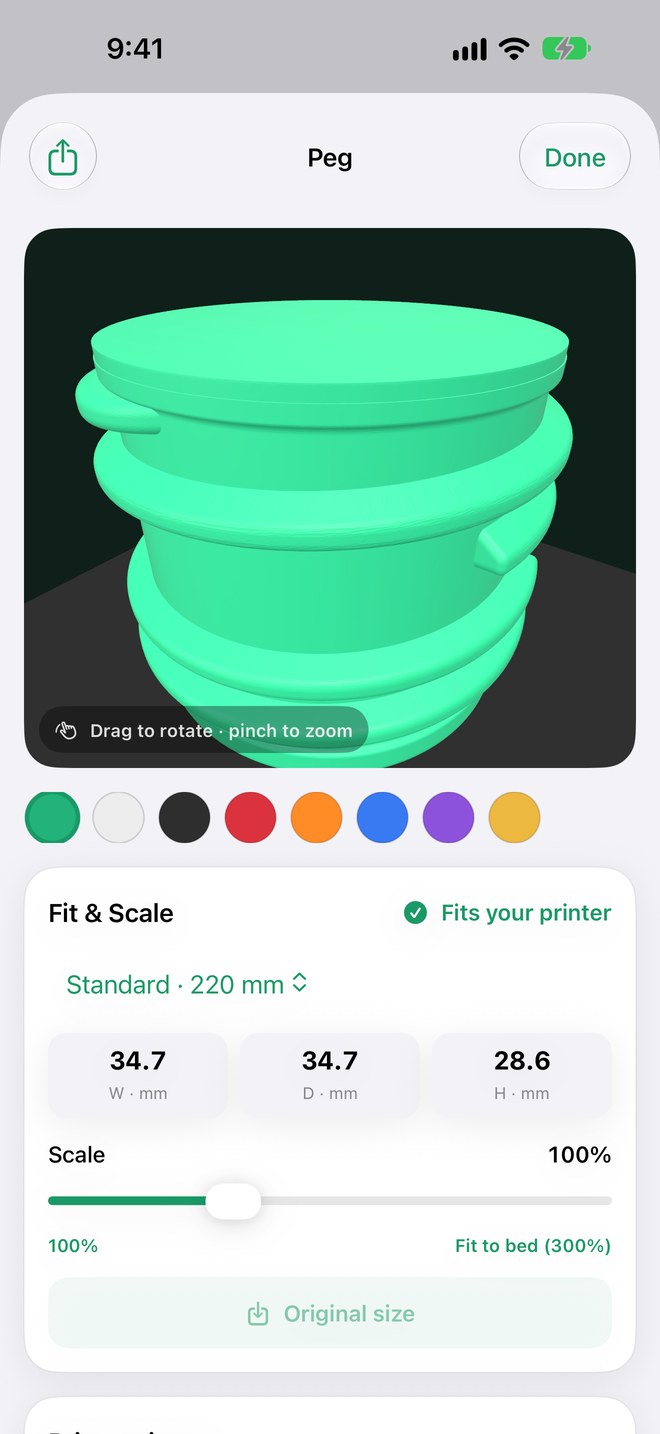
Spin it. Size it. Fit it.
See every model in 3D in your filament colour, pick your printer and get a straight answer on whether it fits the bed.
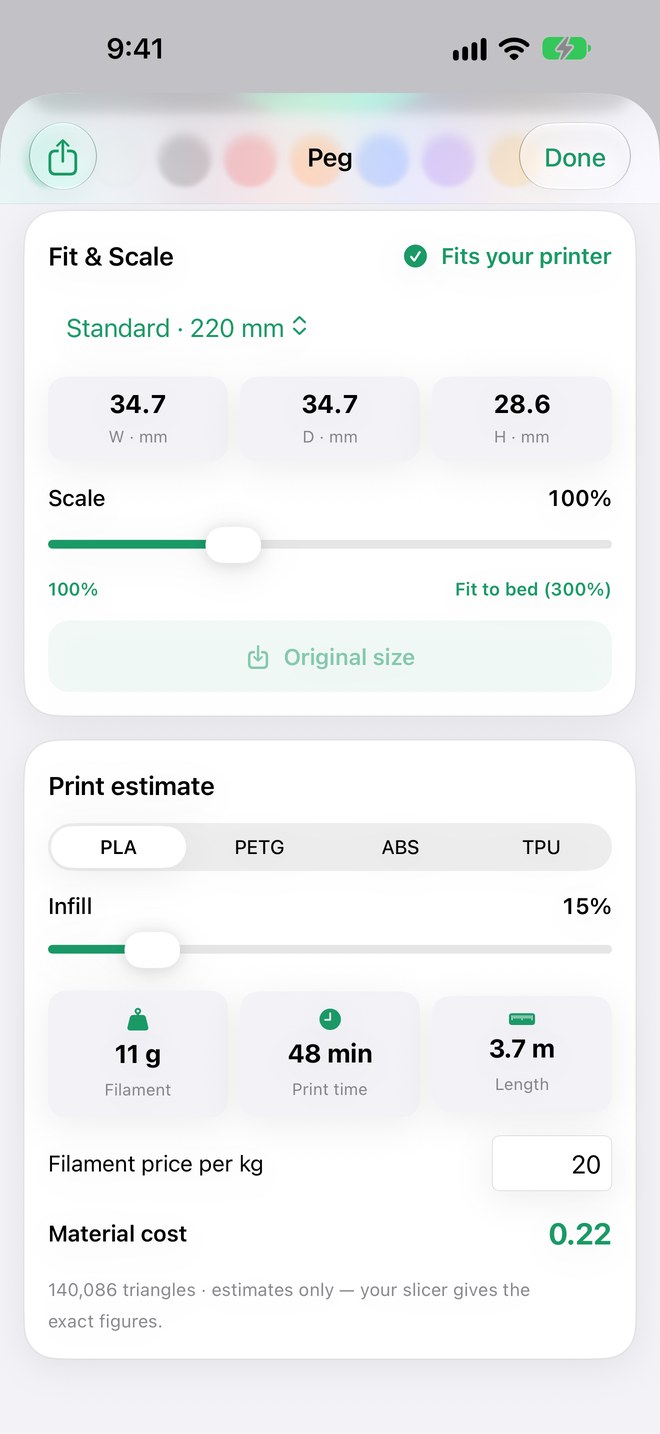
Filament, time and cost. Before you slice.
Choose PLA, PETG, ABS or TPU, set your infill and your price per kilo, and see what the print will take. Then scale it and save the copy as a new STL.
Works with what you already use.
Any slicer
Files are standard STL, so they open in Bambu Studio, OrcaSlicer, PrusaSlicer, Cura and the rest.
Packed files, unpacked
Some catalogues ship models in a packed format. Handy 3D converts them to STL on your device.
iPhone, iPad and Mac
One purchase across your devices. On Mac, save files straight to a folder next to your slicer.
Free to use. Pro if you print a lot.
Most models are free. The most popular ones, and unlimited downloads, come with Handy 3D Pro.
Weekly, monthly and yearly plans, or a one-time lifetime purchase. Prices are shown in the app in your currency. Subscriptions renew automatically unless cancelled at least 24 hours before the end of the period, and can be managed in your Apple Account settings.
Questions
Which printers and slicers does it work with?
Any of them. Files are standard STL, so they open in Bambu Studio, OrcaSlicer, PrusaSlicer, Cura, Lychee and others, for any FDM or resin printer.
How accurate are the filament and time estimates?
They're a quick guide for deciding whether to print. Your slicer gives the exact figures once you pick a profile.
Where do downloaded files go?
On iPhone and iPad they're saved in the Files app under Handy 3D › Models, ready to share to your slicer. On Mac you can save them anywhere, such as your Downloads folder.
Do I need an account?
No. There's no sign-up and no login. Favourites stay on your device.
How do I restore or cancel Pro?
Tap Restore Purchases in Settings inside the app. To cancel, open Settings › your name › Subscriptions on your device, or use Manage Subscription in the app.
Something is wrong with a model. What do I do?
Open the model, tap the flag and choose Report a Problem, or email dev.nomantariq@gmail.com. You can also hide any model from your feed.